From analysis to tested release, traceable on the board.
Paste an analysis document and a backlog appears. AI colleagues carry out the work on the board, people approve along fixed gates — and everything that happens is recorded on the ticket instead of in a chat history.
- 9
- statuses on the board
- 16
- transitions between them
- 19
- conditions, calculated outside the model
- 17
- permissions no agent ever gets
- New
- Refined
- Ready for Dev
- In Progress
- Blocked
- Code Review
- Ready for Test
- In Test
- Done
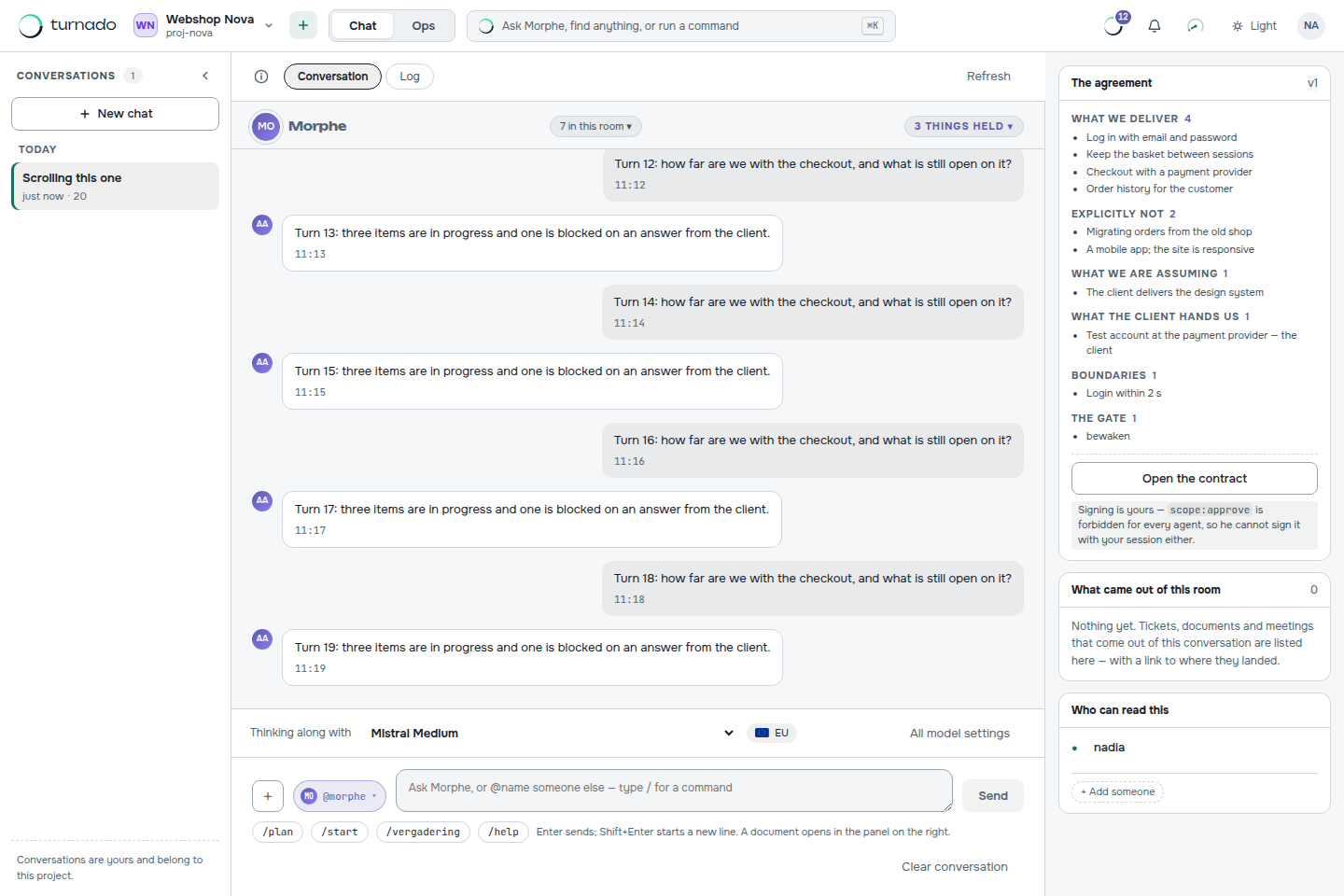
The chat is the remote control. The board is the memory.
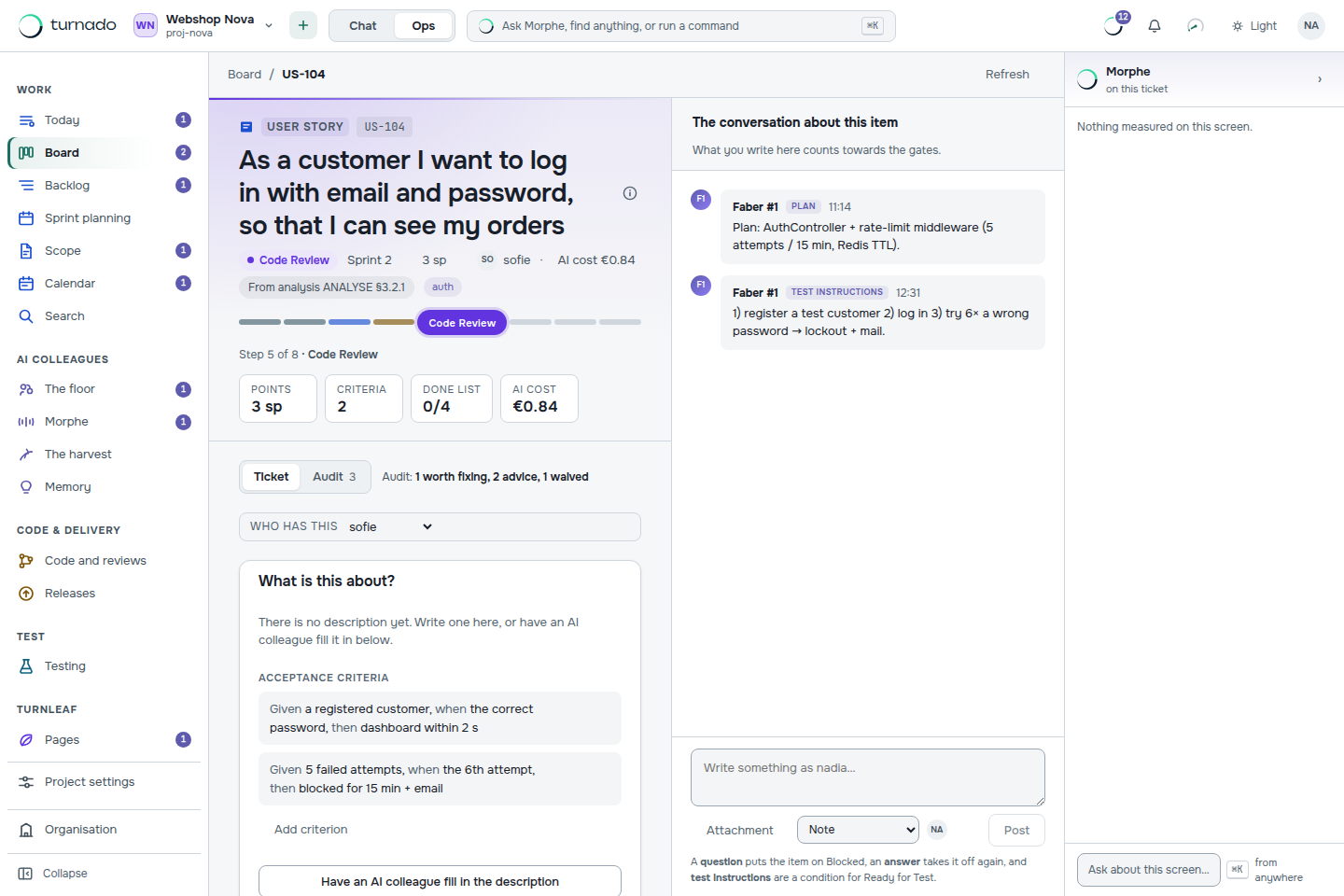
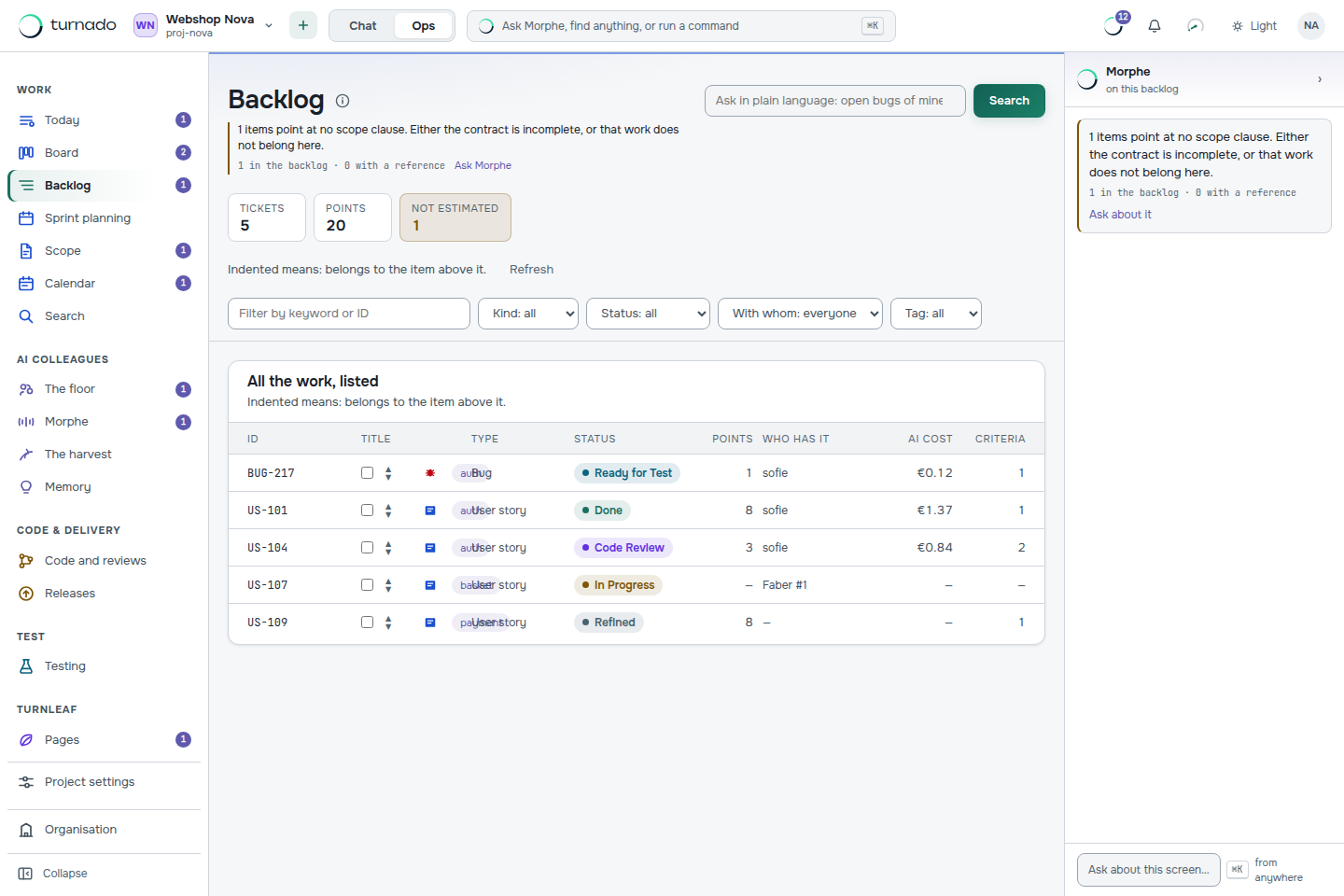
An AI assistant remembers a session. Here every instruction lands as a work item and every decision on the ticket — who set what, when, and on what grounds. That is the whole difference, and these three screens are where you see it.
Why not simply Claude Code or Cursor?
An AI assistant like Claude Code or Cursor is strong at writing code — so strong that Turnado does not try to do that work itself: the code work runs on the model you choose, with your own key if you like. Turnado does not replace your assistant. It gives it what an assistant lacks the moment a second person or a second week arrives.
| AI coding assistant | Turnado | |
|---|---|---|
| Where the memory lives | In the session, and the files it can read. | On the board: items, decisions, runs and status history. |
| How many people | One at a time, per session. | A team, with roles and permissions that mean something. |
| Who says it is done | The model reports back and you judge it. | 19 conditions, calculated outside the model. |
| Which model does the code work | The vendor’s, generally. | Yours — possibly the same one, with your own key. |
| What it costs per feature | A seat licence. | Recorded per run on the work item it was made for. |
In short: your assistant writes the code. Turnado turns it into agreed, tested and traceable releases. The long version is on the blog.
The document you already write is the input.
No prompts and no tooling: you drop the analysis, the functional design or the minutes of the customer meeting into the chat, and an agent turns it into epics, features and user stories, with acceptance criteria. What it could not derive from the text it says out loud instead of filling in silently.
The chat is where you land after signing up, and it is the route for when the document does not exist yet: describe what you want to build and the AI analyst asks its questions, with a button under every answer that submits it as the analysis document. Do you already have the text? Then the intake form is the direct route — one paste area, one button, the same result.
Every created story refers back to the section it came from, so you can account for what happened with each part of the document. After that you work as you are used to — prioritising, planning into sprints, sharpening criteria — on a board that speaks project language, not code.
Agents do the routine work. The limits are in code.
Turnado has 9 statuses and 16 transitions between them, with 19 conditions on it: acceptance criteria present, planned into a sprint, CI green, pull request open, review approved, deployed to TEST, human test passed. Those conditions are calculated, not judged — a pure function of the state of the item, not a model. An agent can request a transition; whether it may is decided by the status machine.
Agents carry roles the way people do — developer, reviewer, tester — and on top of that sits a sieve that only works one way: whoever writes code does not approve their own work; whoever reviews does not write; and neither can change the rules of the game. There are 17 permissions an agent never gets, however many roles you give it:
- Delete items permanently
item:delete - Force a status past the gate
status:force - Merge code into main
code:merge - Release to production
release:prod - Change workflow & gates
workflow:write - Change AI settings
ai:config - Manage repositories
repo:manage - Manage secrets
secrets:manage - Manage members & roles
members:manage - Subscription & invoicing
billing:manage - Manage the organisation
org:manage - Change the audit log
audit:write - Publish wiki pages
docs:publish - Change documentation settings
docs:config - Sign the scope & change requests
scope:approve - Waive an audit finding, with a reason
audit:waive - Manage meeting links & retention
meeting:manage
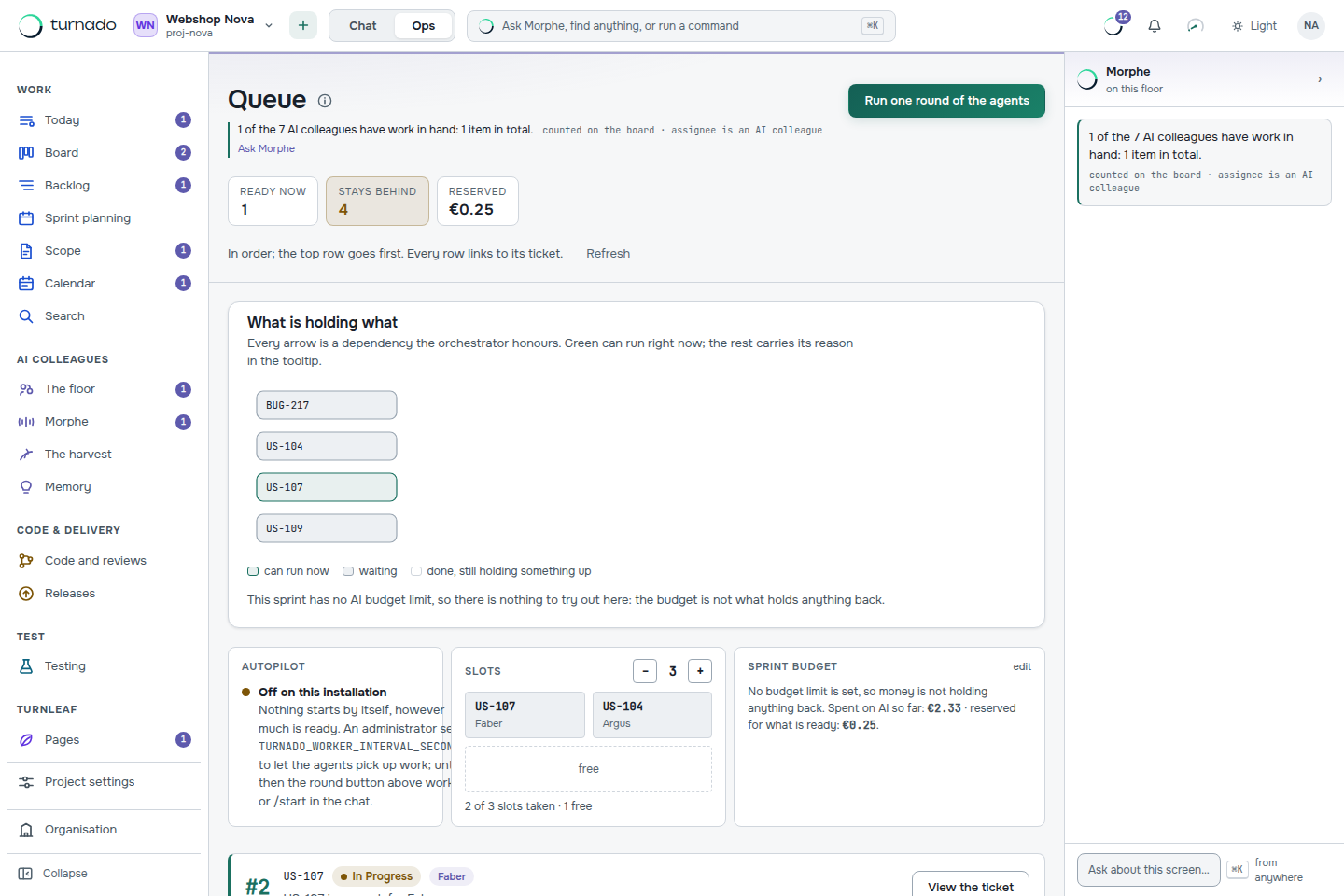
And when work stays put, the reason is stated — WIP limit reached, waiting on a person, budget limit — instead of an agent that quietly does nothing. Every run is recorded on the ticket with its model, duration and cost; pull requests and commits hang off it.
Everything runs in Europe by default. Any of it you can change.
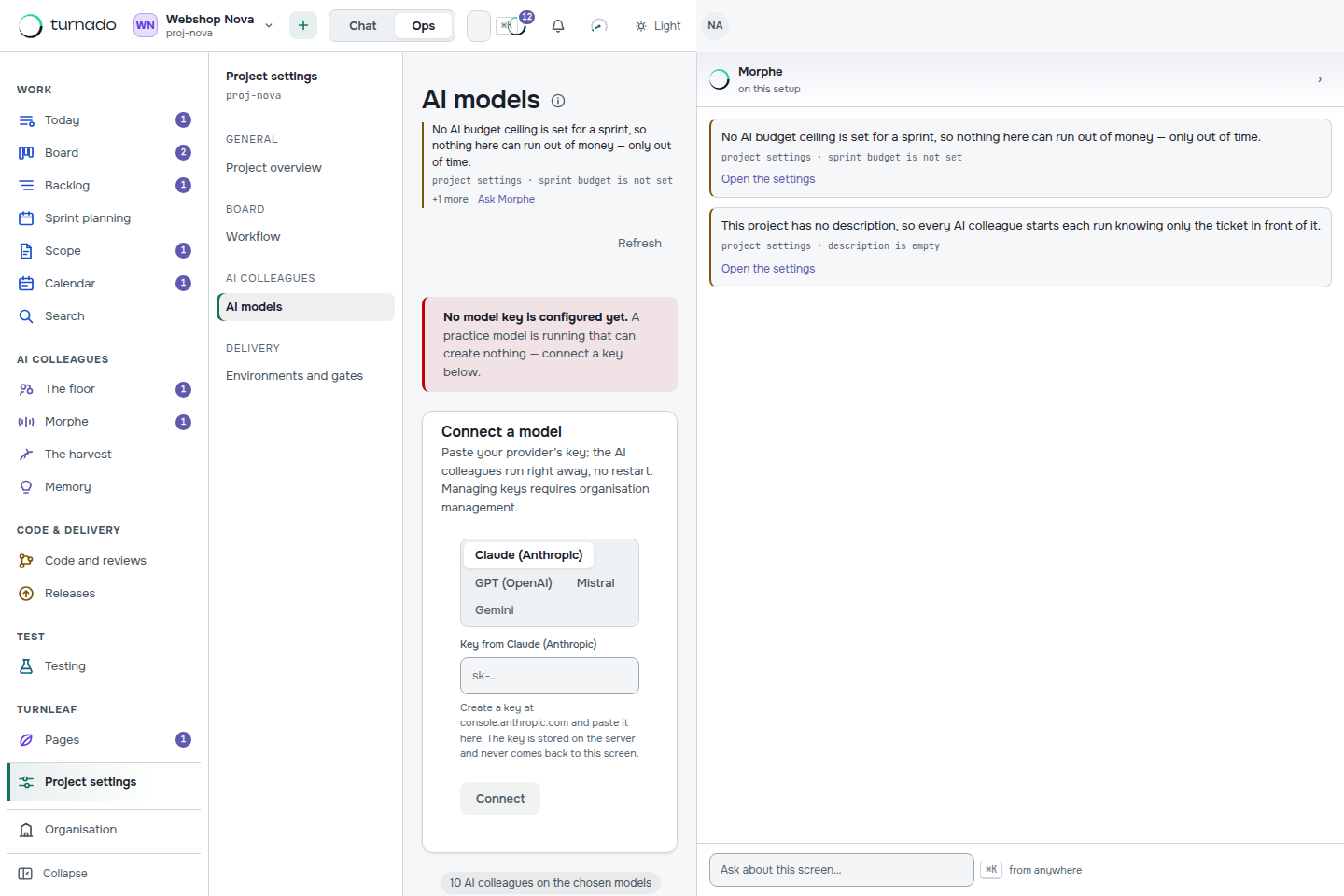
Out of the box, all three kinds of work — code work, heavy process work and routine process work — run on Mistral Medium at a European provider. One model, one bill, one place where your data is. That is a default and not a lock: the catalogue also holds Claude, GPT and the smaller open models, and a project switches any kind of work over in one screen — with your own key if you have one.
European hosting here is something you can enforce and not a sentence in a privacy statement: configure that only EU-hosted models may be used, and a choice outside that is refused — with the reason attached. Every model in the catalogue says where it runs, and with the default settings that rule changes nothing, because nothing leaves the EU.
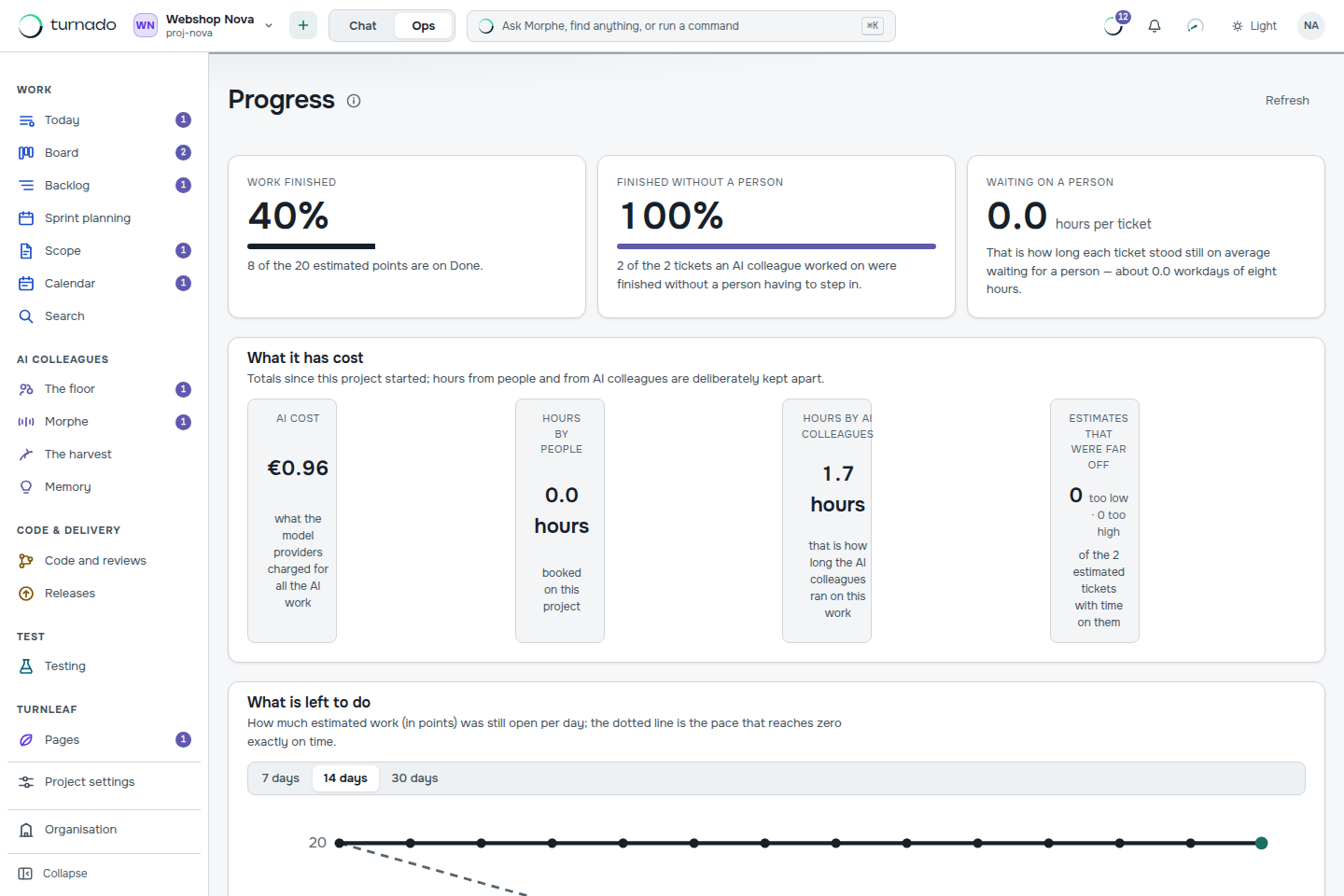
Every run is recorded with its cost on the ticket.
AI work costs money each time you use it, and that is hard to feel as long as it is an amount on a monthly invoice. In Turnado the amount hangs on the work item it was made for: per project, per model and per AI colleague, next to the hours people booked on it. There is a limit on it too — if a task becomes more expensive than the maximum, the AI colleague stops and asks a person how to continue.
13 how-to guides, and the thinking behind them.
The documentation walks through the screens: your first backlog, acceptance criteria that a gate can check, sprint planning with an AI budget, pipelines, webhooks. The blog is where the reasoning lives.
The things people ask first.
What is Turnado?
A project board on which AI colleagues do the work: you paste an analysis document and a backlog appears, agents carry the work out within calculated conditions, and people approve. Everything that happens is recorded on the ticket instead of in a chat history.
Does Turnado replace Claude Code, Cursor or GitHub Copilot?
No. The code work runs on the model you choose — possibly the same one your assistant uses, with your own key. Turnado adds what an assistant has no reason to have: a memory that outlives the session, one board several people and agents share, and conditions calculated outside the model that separate “the model says it is done” from a tested release.
Can an AI colleague merge code or release to production?
No. Fourteen permissions are on a list no agent ever gets, however many roles you give it — including merging code, releasing to production, changing the workflow and rewriting the audit log. The list lives in code and is guarded by tests, not in a prompt.
Where does the AI run, and can I keep it inside the EU?
Process work — turning an analysis into tickets, planning, test cases, release notes — runs on Turnado‑1, our own process model, EU-hosted at Mistral in France. Code work runs on the model you configure. An organisation can set that only EU-hosted models may be used at all; a choice outside that is refused, with the reason attached.
What does it cost to run AI on a project?
Every plan includes an amount of AI usage; beyond that, usage is passed on at cost with no mark-up, up to a ceiling. Each agent run is recorded on the work item with its model, duration and cost, and a task that hits its cost ceiling stops and asks a person how to continue.
Do I need a Git repository to start?
No. Without a repository everything except the code work runs: intake, backlog, sprints, statuses, gates, the ticket conversation, hours and usage. Connect a repository when you want agents to write code and open pull requests.
Is the first project really free?
Yes, and without a credit card. The limits of every plan are enforced by the same code the pricing page reads, so what the page promises is what the API does.
What is not there yet.
Turnado‑1 is not its own weights file today. It is our own process contract — our prompts, our tool contract, our yardstick — running on an open European model from Mistral. It says so because otherwise it quietly becomes a lie. There is also no invoicing and no button to switch subscriptions; the limits of a plan are enforced, word for word as the pricing page states them.
Turnado Storm — the AI workspace your whole team is in.
Ops starts with an analysis document. Storm is where that document comes from — and it is the part your colleagues are in with you: the same conversation at the same time, comments on a specific answer, and a role per person that changes what the model writes. A reviewer makes it show its reasoning; a devil’s advocate makes it argue against itself.
Underneath it is built for figuring things out rather than chatting: a conversation is a tree instead of a scroll, you can ask twice and keep both answers, and you can switch off any source the model is not allowed to use.
One branch of a Storm conversation becomes an analysis document, and that document goes straight into the Ops intake. Figure it out, cut it down, build it — without leaving the product or copying anything between two tools.
Same account, same credit, same European hosting. If you have Turnado, you have Storm.
The first project is free.
The free plan allows 1 project and it is in use. A next project belongs to the pro plan, which allows 5.
No credit card and no conversation first. The quickest way to see whether this works for you: create an account — you land straight in the chat — drop your analysis in there, and see what appears on the board.