How to turn an analysis document into a backlog
Paste a functional design or an analysis and an agent decomposes it into epics, features and user stories with acceptance criteria — each one pointing back at the section it came from.
This is the step most teams come to Turnado for. You already write analyses, functional designs and meeting notes; what costs the time is turning them into work items that a developer — human or otherwise — can pick up without asking three questions first. Turnado does that decomposition, and it does it in a way you can check afterwards.
Two ways in
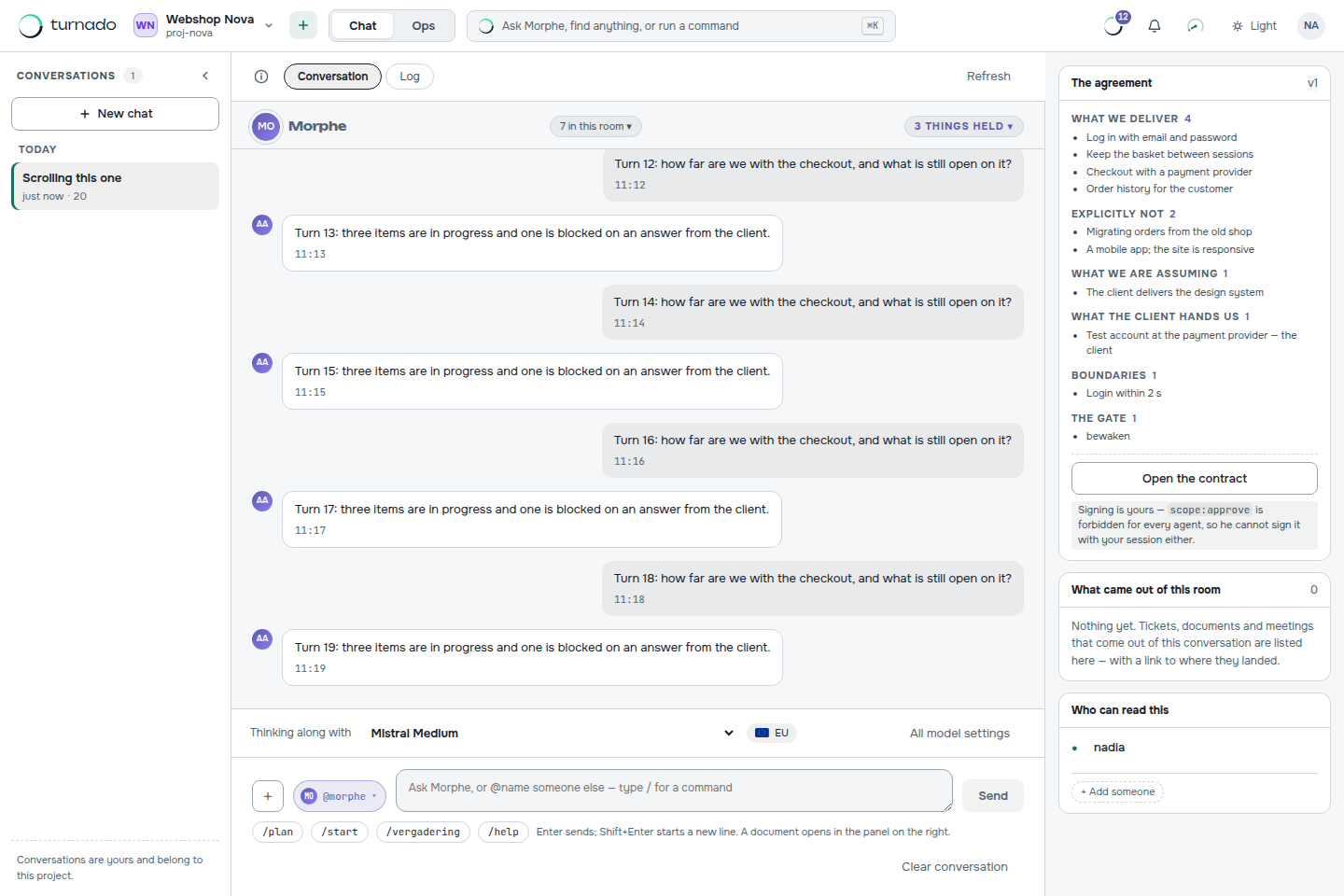
There is a conversation and there is a form, and they end in the same place. The chat is where signing up puts you, and it is the route for when the document does not exist yet: you describe what you want to build, the AI analyst asks its questions, and under every answer sits a button that submits that answer as the analysis document. Do you already have the text? Then the intake form is the direct route: one large paste area, one field for the reference, one button.
Why the section numbers matter
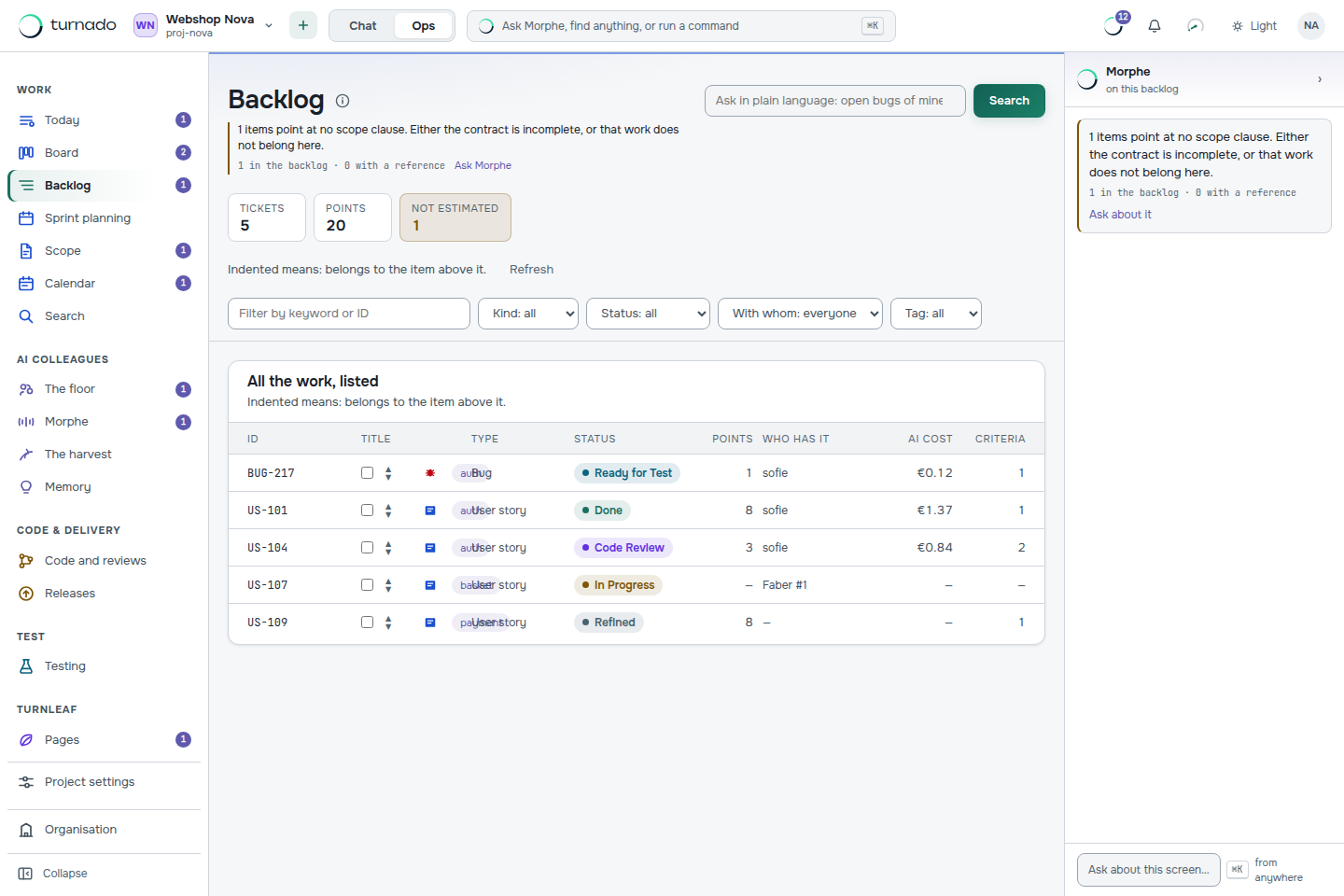
If your document has section numbers, keep them. A heading like §3.2.1 Password reset comes back as a trace on every item derived from it, so you can account per section for what happened to it. That works in both directions: from a story back to the paragraph that asked for it, and from a paragraph forward to everything that was built for it.
This is also how you catch what was not derived. A section with no items under it either did not need any, or was missed — and those two look identical until you can list them.
What comes out
- Epics for the large chunks of the document.
- Features underneath them, one per coherent piece of functionality.
- User stories in the “As a … I want … so that …” form, each with acceptance criteria as Given/When/Then.
- Open questions — contradictions and gaps the agent ran into. It says them out loud instead of quietly inventing an answer.
- A sprint layout — the fresh items are laid across successive sprints straight away, predecessors first. Making the sprint plan should not be a second instruction.
How to write a document that decomposes well
You do not have to change how you write. But a few habits make the difference between a backlog you edit and a backlog you rewrite.
- Number your sections. It is the whole traceability mechanism, and it costs nothing.
- Write requirements as behaviour, not as screens. “The customer is locked out after five failed attempts” decomposes; “add a lockout screen” does not say when it appears.
- Put the exceptions in. Rules without their exceptions become stories without acceptance criteria, and those stall at the very first gate.
- Name the actors. “The customer”, “the back-office user”, “the scheduler” — these become the “as a …” of the stories.
- Leave the contradictions in. Do not smooth them over before pasting. A contradiction the agent reports is a question you get to ask the customer; one you edited away is a bug you will find in acceptance.
After the backlog
What you get is a draft, not a decision. Sharpen the criteria, drop what you do not want, adjust estimates. The next step is usually planning a sprint — or, if a story is thin, having an AI colleague fill in the description and Definition of Done from the ticket itself.
Which file types can I upload?
Markdown (.md) and plain text (.txt) upload directly in the chat. Anything else — a Word document, a PDF, an e-mail thread — you paste as text into the intake form. The text is what matters; the layout is not read.
What if my document contradicts itself?
The agent reports the contradiction instead of resolving it. That is deliberate: a silently chosen interpretation becomes a user story that looks finished and is wrong. Contradictions come back as open questions you can take to whoever wrote the document.
Can I run the intake twice on the same project?
Yes. Each run is separate and carries its own reference, so a second analysis document lands beside the first with its own trace. Nothing that already exists on the board is overwritten by a new intake.