Quickstart: from an empty account to a board with work on it
The shortest route through Turnado: create an account, start an organisation and a project, paste your analysis, and watch a backlog appear on the board.
This is the fastest way to see whether Turnado fits your team. It takes about ten minutes and you need nothing but an analysis document — or, if you have none, a clear idea of what you want built. The first project is free and there is no credit card involved.
What you need before you start
- A work e-mail address, or a Microsoft or Google account to sign in with.
- A document that describes what has to be built: an analysis, a functional design, or the minutes of a customer meeting. Plain text or Markdown.
- Optional: a Git repository, if you want AI colleagues to write code as well as tickets.
- Optional: a model key from Anthropic, OpenAI, Mistral or Google. Without one, Turnado runs a practice model that can create nothing — it lets you click around, not deliver.
The five steps
Create an account
Register with your work e-mail, or sign in through Microsoft or Google. If Turnado recognises your e-mail domain from an organisation that already exists, it offers to join that one instead of starting a second empty tenant beside it.
Confirm your e-mail address
You get a confirmation link. Anyone coming in through Microsoft or Google has already been verified there and skips this step.
Create your organisation
The organisation is the tenant: members, subscription, integrations and model keys hang off it. Everything you do afterwards happens inside it, and nothing outside it is visible from within.
Create a project
A project has its own board, its own workflow, its own AI colleagues and its own settings. Give it the name your team already uses for this work — the board is going to be the shared vocabulary.
Paste your analysis into the chat
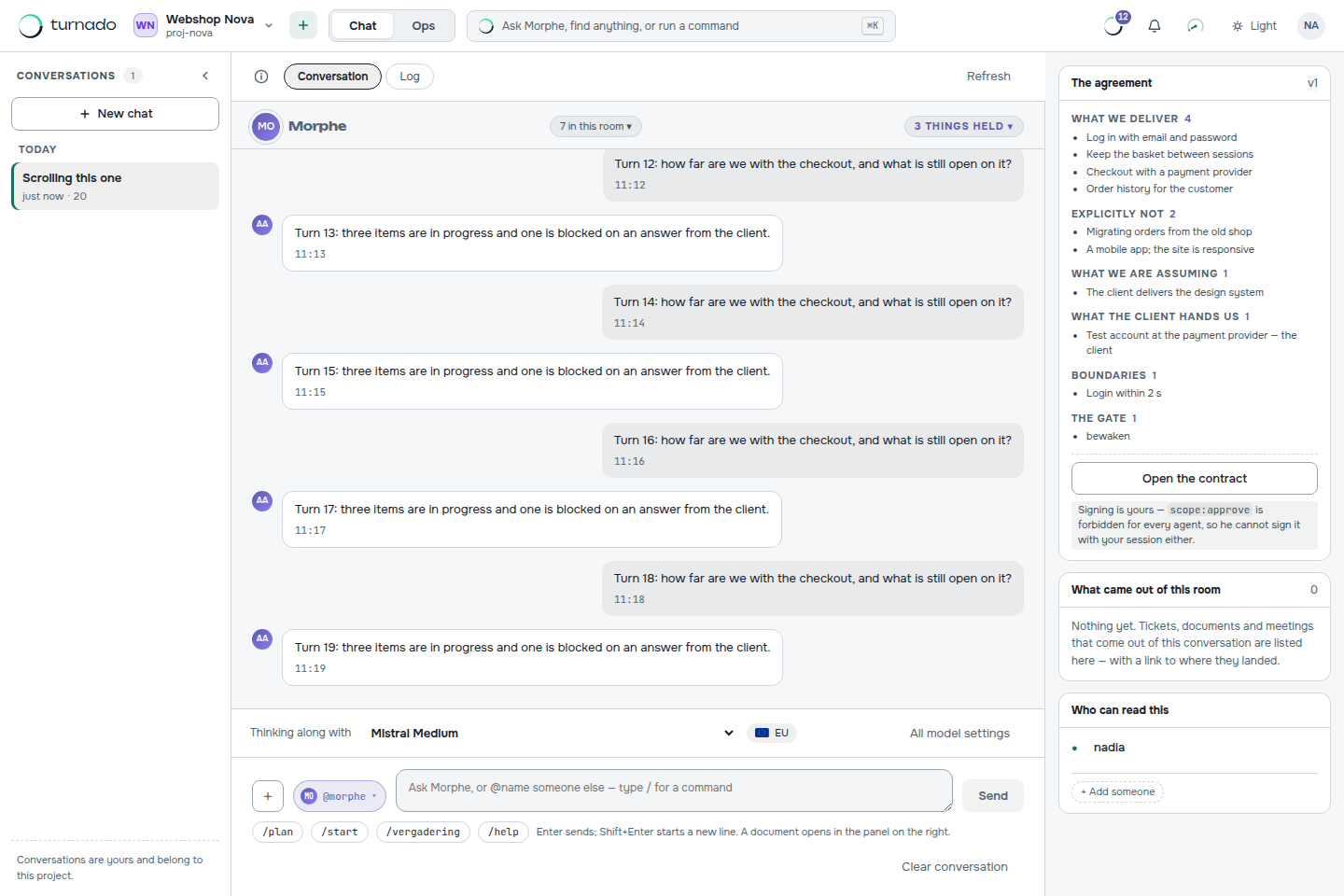
You land in the chat, not on the board, and that is deliberate: a fresh board is empty by definition, and an empty board is a product that does nothing. Upload or paste the document and ask for a backlog. See Turn an analysis document into a backlog for what happens next.
What to look at first
Once the backlog exists, three screens tell you most of what Turnado is. Open them in this order and the model behind the product becomes visible in a couple of minutes.
- Board — the work in columns, people and AI colleagues in the same ones. Every card carries the estimate, the number of acceptance criteria and what the AI spent on it.
- A ticket — open any card. In the middle sits the block that says which transition is possible from this status and, word for word, which condition is still open. That block is the whole product in one panel.
- Queue — which task can be picked up right now, and for everything that stays behind, the reason. WIP limit reached, waiting on a person, a status agents do not pick up.
Common questions
Do I need a repository to try Turnado?
No. Without a repository everything except the code work runs: intake, backlog, sprints, statuses, gates, the ticket conversation, hours and AI usage. You connect a repository when you want AI colleagues to actually write code and open pull requests.
What does the free project include?
One project, three seats and a monthly AI allowance. The limits are enforced by the same code the pricing page reads, so what the page says is what the API does — see the pricing page for the exact numbers.
Can I use my own model key?
Yes, for code work. Paste a key from Anthropic, OpenAI, Mistral or Google on the AI models screen and the AI colleagues use it immediately, without a restart. Work on your own key does not count towards your plan allowance or its ceiling.